 Marketrix
 Built from 68 simulations · 12 pages · 63 sections · 15 edges · rebuilt Sep 9, 2026 · after Exploration #1
edge width = simulations that took this path selected pagelabels shown for the selected page and the busiest paths · drag to pan · scroll to zoom
Home
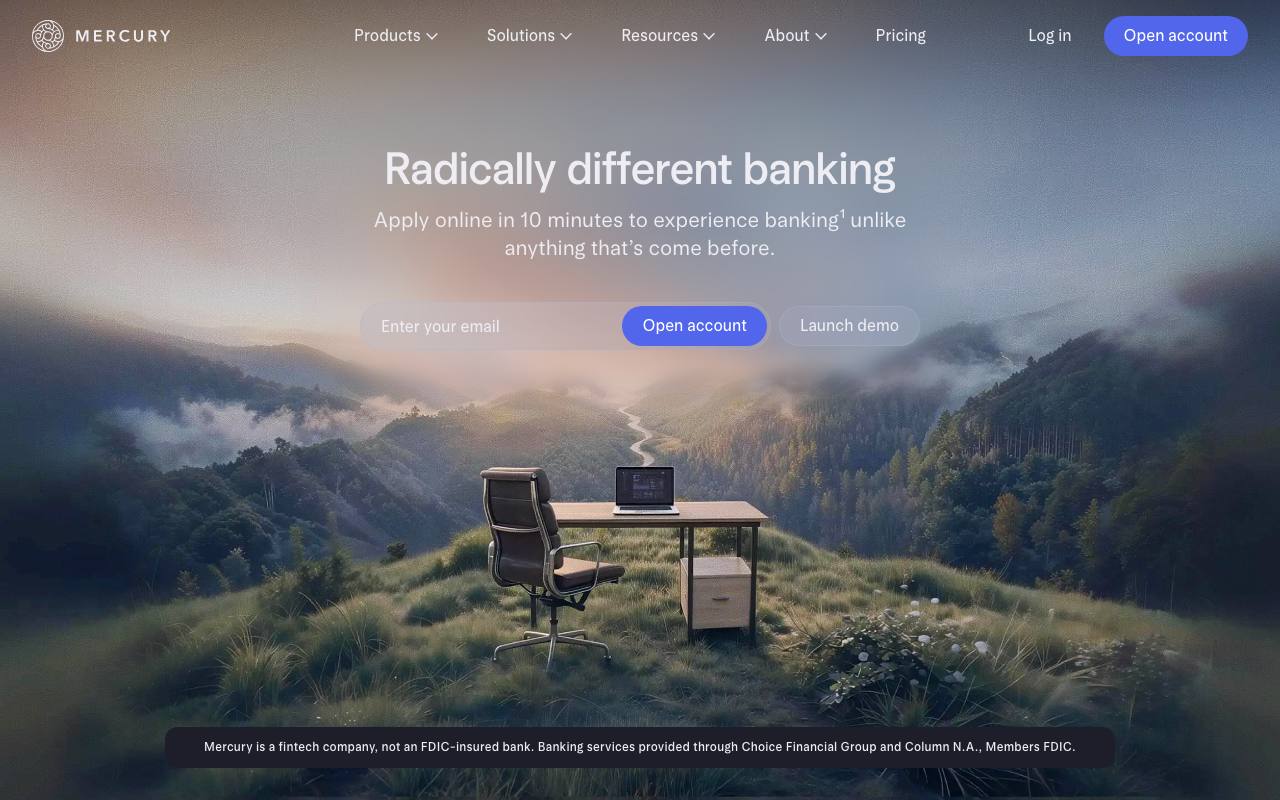
mercury.comEntry point for every exploration. Nav exposes Products, Solutions, Resources, Pricing and the Open account CTA.
68
sim visits
986
real sessions
Sections the agents identified · 6
- 1.Hero: 'Radically different banking · Apply online in 10 minutes'
- 2.Primary nav (Products · Solutions · Resources · About · Pricing)
- 3.Email capture + Open account
- 4.Launch demo
- 5.Fintech / FDIC disclosure bar
- 6.Footer links (Docs, Security, Help)
Skills learned here
Paths
→ to Pricing · nav → Pricing61
→ to Treasury · Products → Treasury39
→ to Spend management · Products → Spend33
→ to FAQ / Eligibility · Resources → FAQ41
→ to Open account · click Open account CTA46
→ to Invoicing · Products → Invoicing12
→ to Help centre · footer → Help18
→ to API reference · footer → Docs9